English
VMOS+Documentation
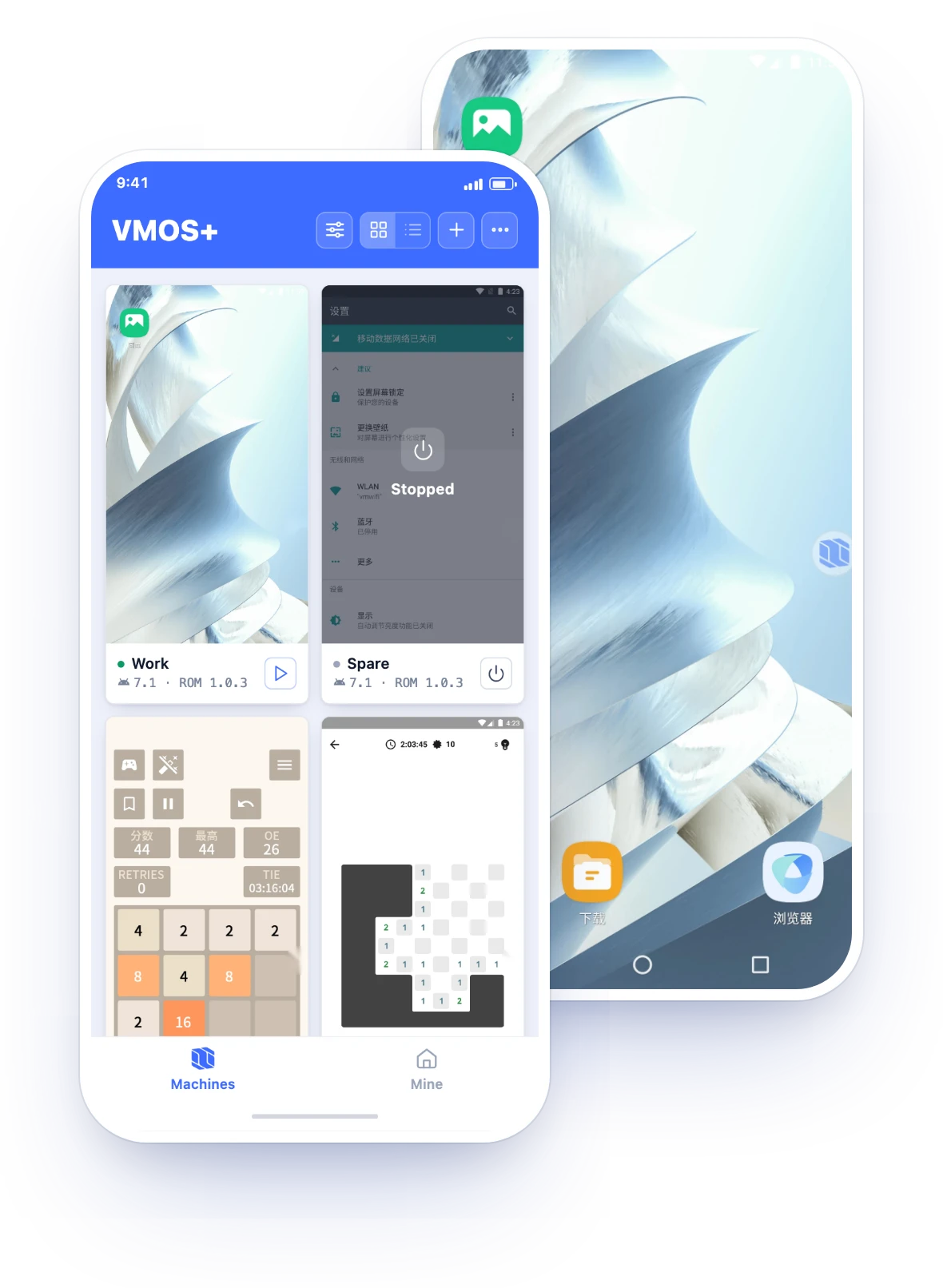
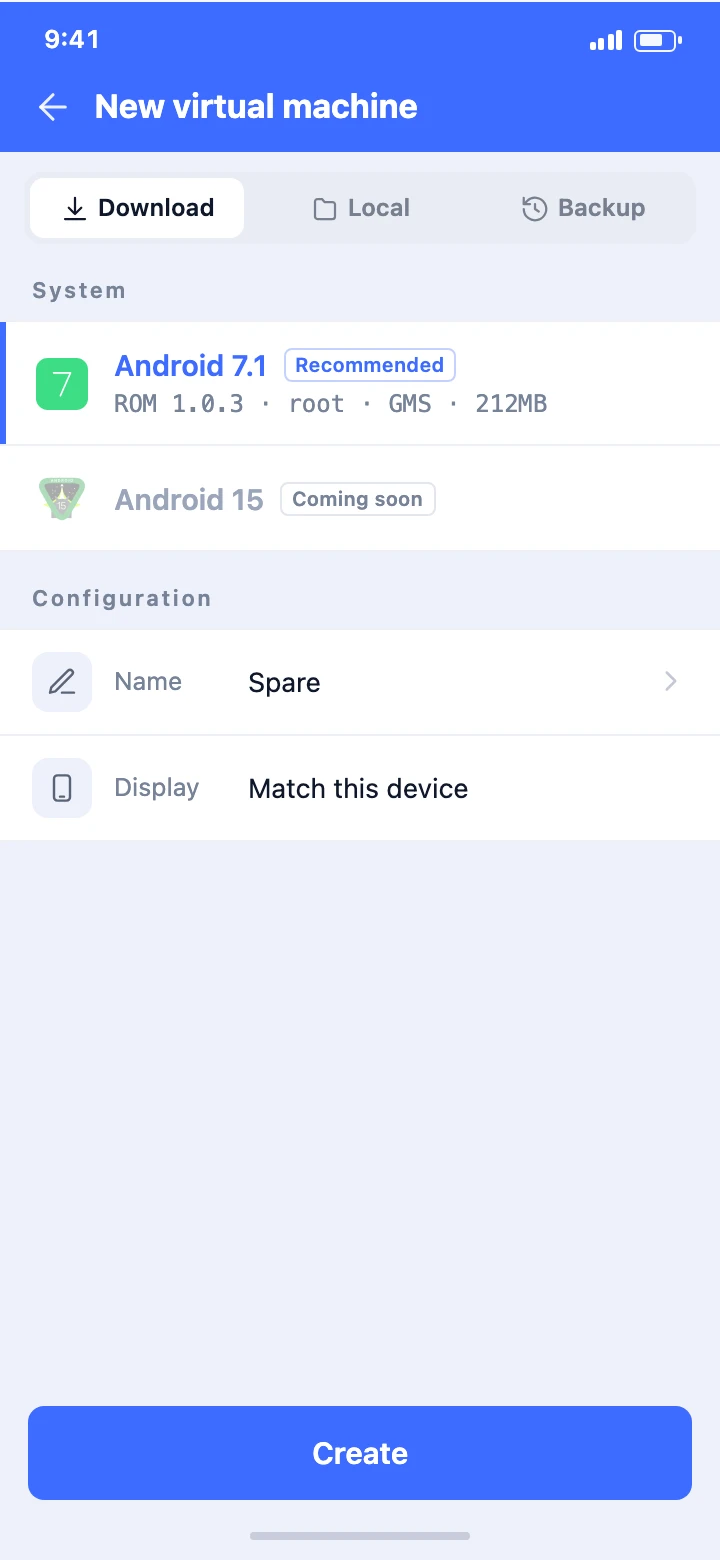
Run several independent Android virtual machines on one phone. Each installs its own apps and signs in to its own accounts. No root, no flashing.
Run several independent Android virtual machines on one phone. Each installs its own apps and signs in to its own accounts. No root, no flashing.
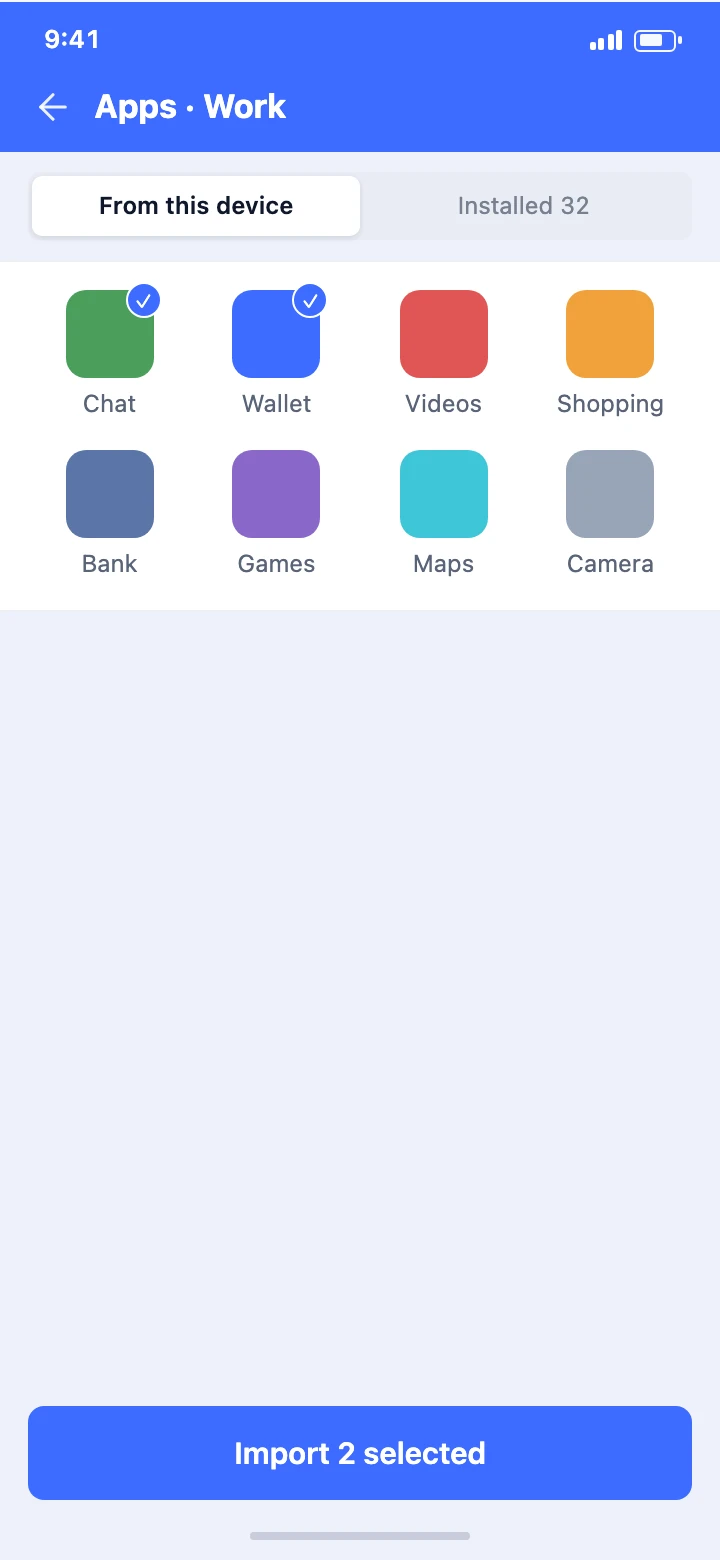
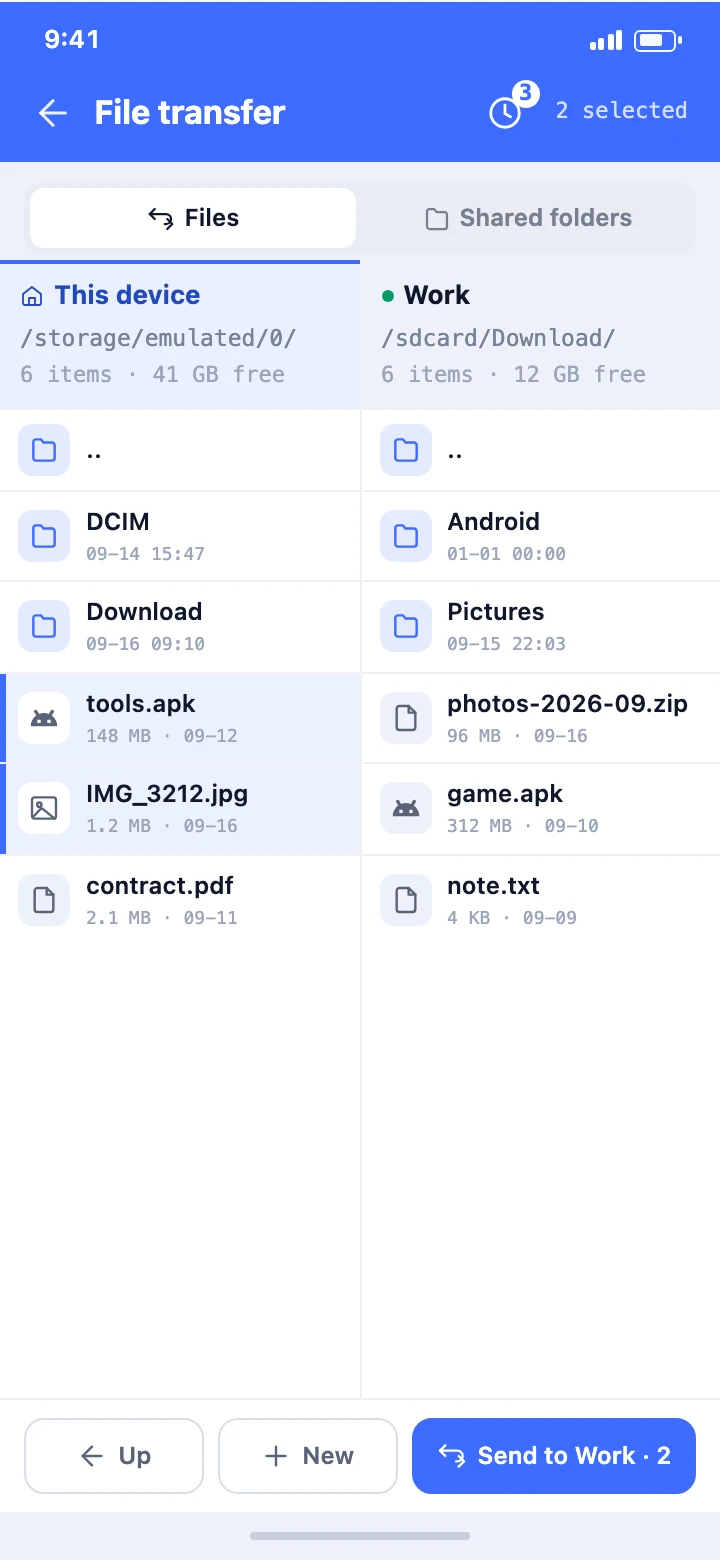
Install and remove apps inside a machine. Browse the phone and the machine side by side and move files both ways.
Operate a machine full screen, with common actions on the floating ball.
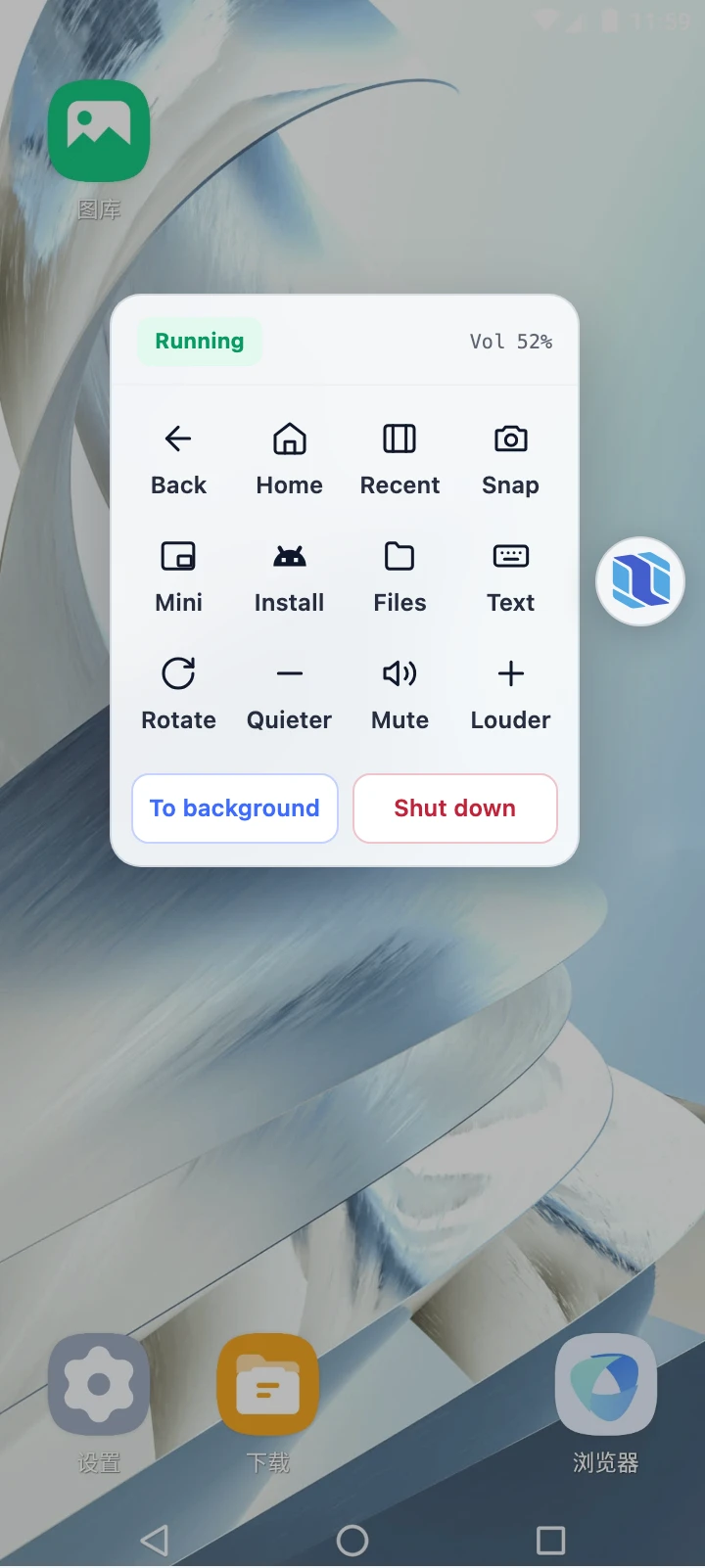
Run multiple machines at once, with pre-boot checks for memory, permissions and heat.
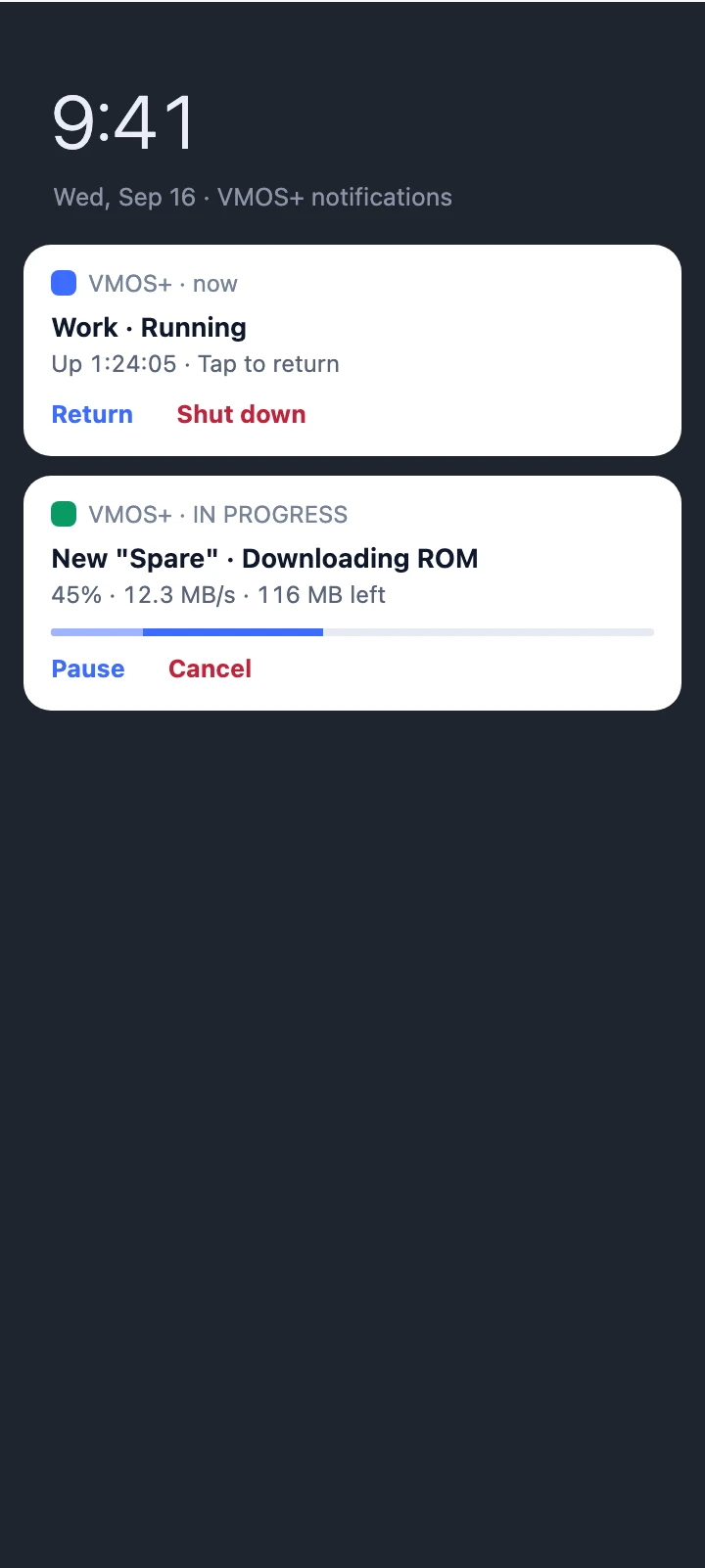
Lift the background process limit introduced in Android 12. A persistent notification lets you return or shut down anytime.
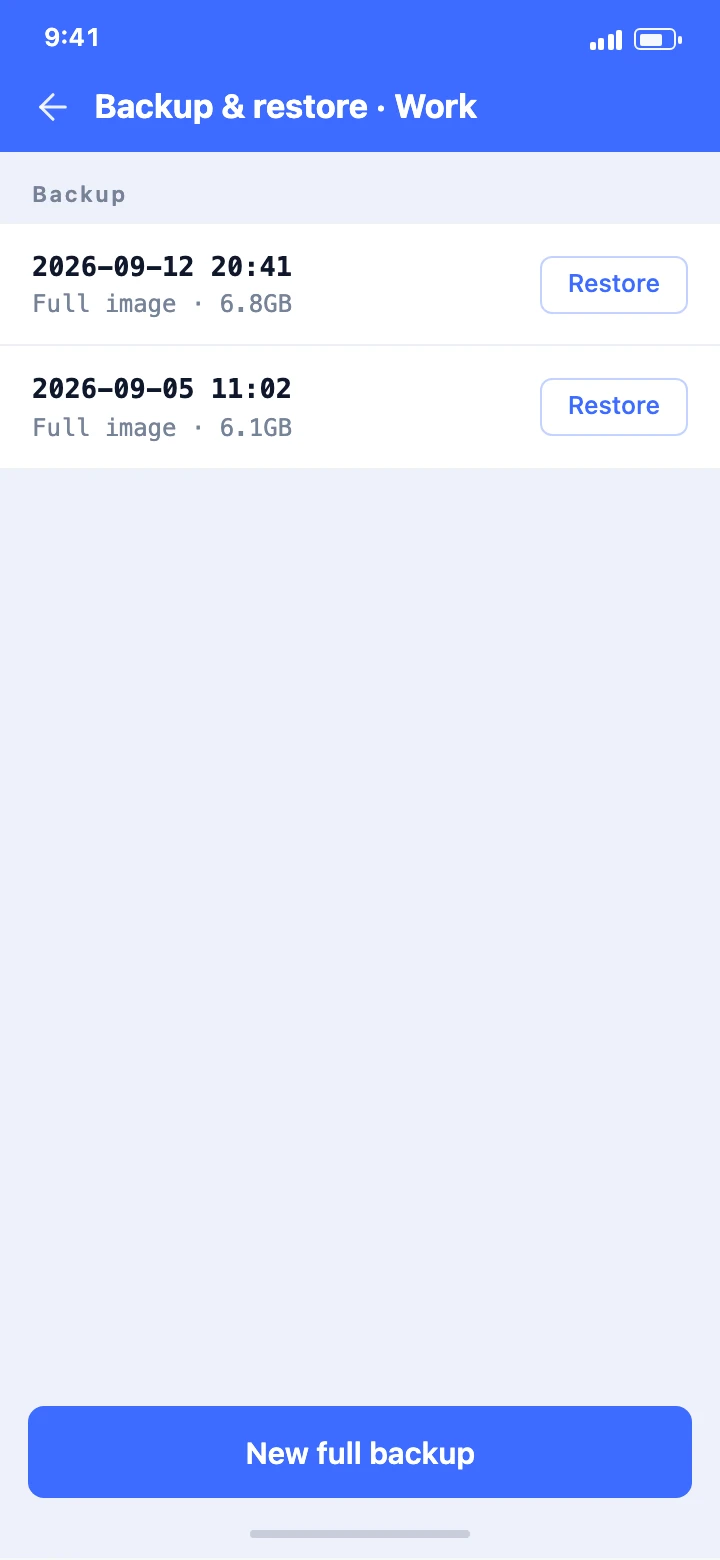
Back up a whole machine and restore it as it was, on this phone or the next one.